AI Automation = Human Is Not Needed?
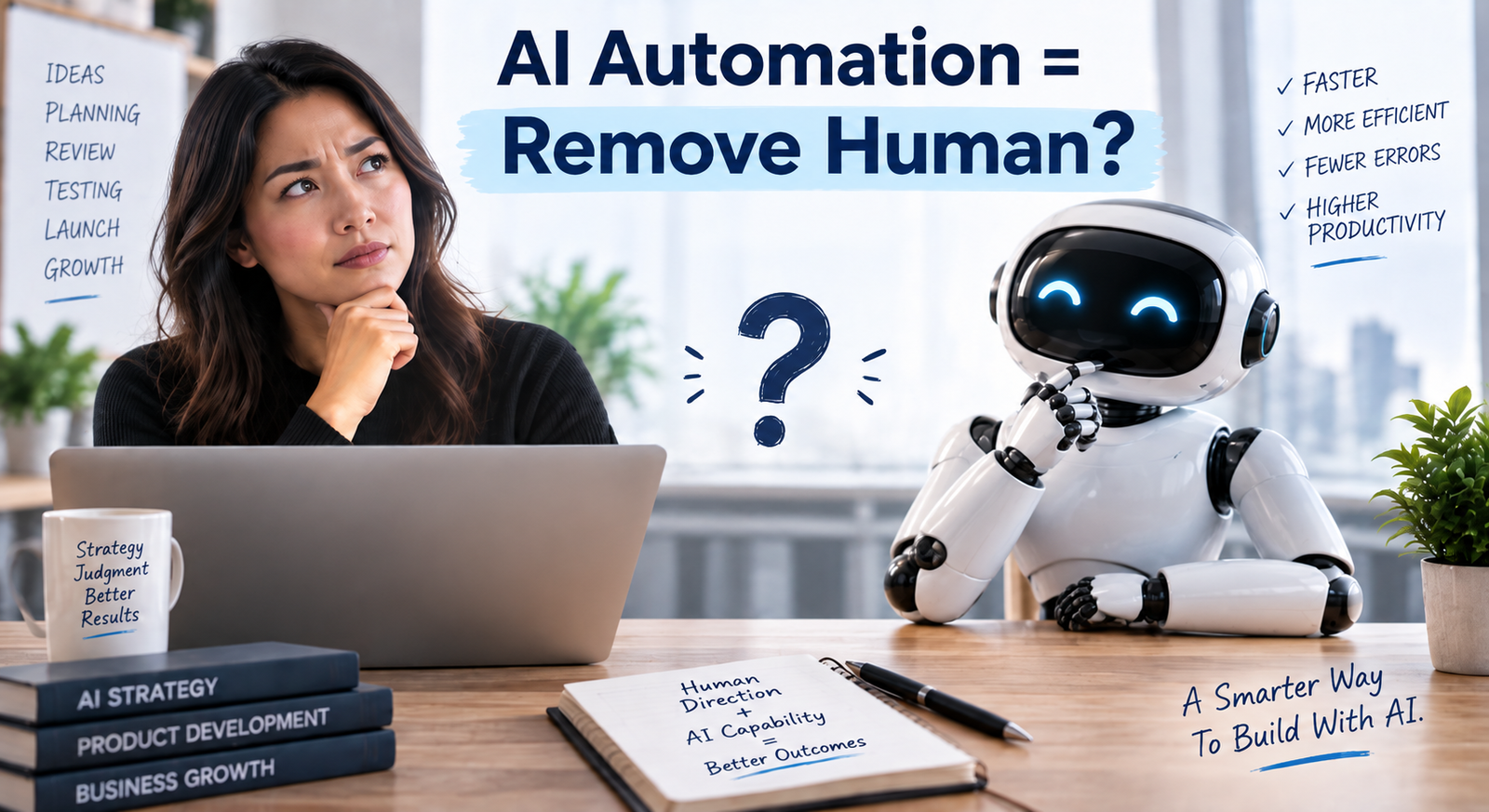
AI can now build surprisingly sophisticated things.
Give an AI coding agent a description and it can create a website, build a dashboard, connect an API, write database queries, automate a workflow or even develop parts of a business application.
That naturally leads to an attractive idea:
Give AI the project. Come back later. Everything is finished.
Sometimes that works.
For serious business projects, however, a better approach is emerging:
Human defines architecture → AI creates plan → Human reviews → AI implements → Automated tests → Human QA
The interesting part is that humans haven’t disappeared from this workflow.
Their role has changed.
Step 1: Human defines the architecture
Before AI starts building, someone needs to define what is actually being built.
Imagine a company wants an AI customer-service system for its online store.
The first questions shouldn’t be about code.
They should be:
What problem are we solving?
What systems will it connect to?
What customer information can it access?
What actions can it perform?
When should it escalate to a person?
What happens when something fails?
These are business and architecture decisions.
AI can help think through them, but humans should ultimately determine the boundaries.
Step 2: AI creates the implementation plan
Once the architecture is clear, AI becomes extremely useful.
Instead of saying:
“Build me an AI customer-service system.”
give it the approved requirements and ask it to create a development plan.
The AI might break the project into:
Database setup
Authentication
E-commerce integration
AI model connection
Customer interface
Escalation workflow
Logging
Testing
Deployment
Now the business can review the plan before hundreds of changes are made.
That’s much cheaper than discovering halfway through the project that the AI misunderstood the objective.
Step 3: Human reviews before AI builds
This step is easy to skip.
AI produces a convincing plan, so everyone says:
“Looks good. Go.”
But this is exactly where human judgment has the highest leverage.
Are unnecessary systems being introduced?
Is customer data being handled correctly?
Are there simpler solutions?
Does the workflow actually match how employees work?
AI is very good at proposing technically plausible solutions.
That doesn’t automatically mean they are good business solutions.
Step 4: AI implements
Now AI gets to do what it does particularly well:
the repetitive development work.
Write code.
Create database tables.
Build interfaces.
Connect APIs.
Generate documentation.
Refactor components.
Fix routine errors.
This is where AI can dramatically increase productivity.
A human developer or business owner no longer needs to manually produce every line.
But AI is implementing an approved plan, not improvising an entire business system.
That’s an important difference.
Step 5: Automated tests check the predictable things
Before humans spend time manually checking everything, automated tests can verify:
Does login work?
Does the API return the expected result?
Does checkout calculate correctly?
Does the database save the correct information?
Does the workflow fail safely when something is unavailable?
AI can even help create these tests.
This turns testing from:
“It seems to work.”
into:
“We tested what should happen under defined conditions.”
Step 6: Human QA checks what machines struggle to judge
Finally, a person uses the system.
Does the website actually feel good?
Does the AI sound appropriate when speaking to customers?
Does the workflow make sense?
Are instructions confusing?
Would an employee understand what to do when something goes wrong?
A system can pass every automated test and still deliver a terrible customer experience.
That’s why human QA remains important.
This matters beyond software development
The same workflow can apply to many AI-powered business processes.
For marketing:
Human defines strategy → AI drafts campaign → Human reviews → AI produces assets → systems check links/data → Human approves launch.
For e-commerce:
Human defines merchandising strategy → AI analyzes catalog → Human reviews recommendations → AI updates approved fields → automated validation → Human spot-checks.
For reporting:
Human defines KPIs → AI builds analysis → Human validates logic → AI generates report → formulas/data checks → Human interprets conclusions.
The pattern is remarkably similar.
The goal isn’t to remove humans
AI development is sometimes presented as a race toward complete autonomy.
But perhaps that is the wrong target.
The better goal is:
Put humans where judgment matters and AI where speed and repetition matter.
Humans define objectives, boundaries and important decisions.
AI plans, builds, analyzes and executes repetitive work.
Automated systems test predictable outcomes.
Humans review the final result in the real-world context of the business.
So the future of AI development may not look like:
Human → AI → finished product.
It may look much more like:
Human direction → AI planning → Human judgment → AI execution → Automated verification → Human accountability.
That’s not less advanced.
For businesses, it may be the more mature way to use AI.