Is Your Product Catalog AI-Ready?
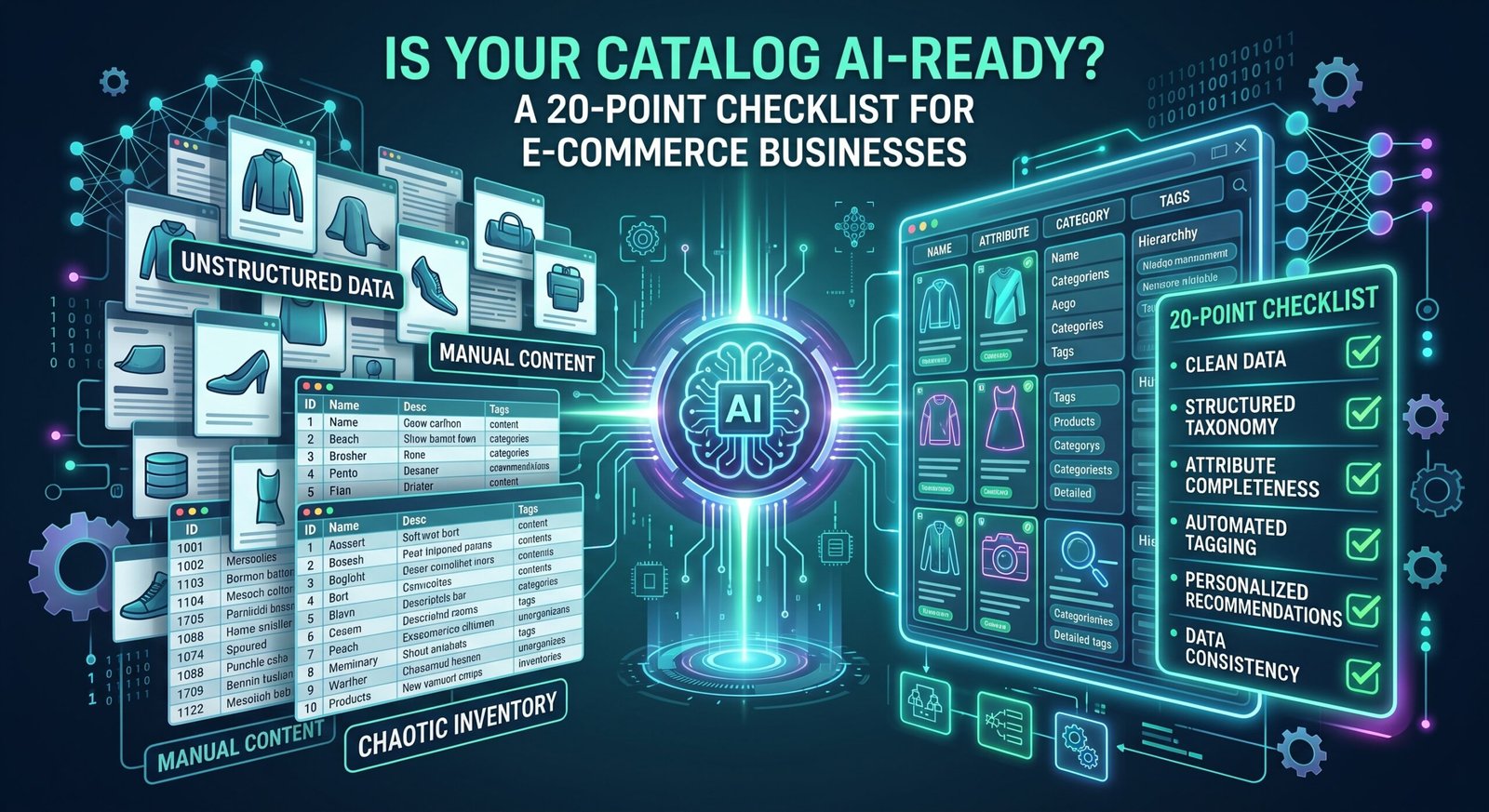
Is Your Product Catalog AI-Ready? Here is a 20-Point Checklist for E-Commerce Businesses, a practical audit to see whether customers and AI shopping assistants can actually understand your products.
Your product catalog may be ready for Shopify.
It may be optimized for Google.
It may already be listed on Amazon, Walmart and other marketplaces.
But is it ready for AI shopping?
Increasingly, customers can describe what they need conversationally:
“I need an air fryer for two people that doesn’t take up much counter space.”
“Which coffee machine is easiest for a beginner?”
“Is the more expensive model actually worth it?”
For AI to recommend the right product, it needs more than a product title and a few marketing bullets.
It needs to understand the product.
Use this 20-point checklist to audit your catalog.
Give yourself 1 point for every YES.
Product Identity
☐ 1. Does every product have a clear, descriptive name?
Avoid titles that depend entirely on internal model numbers.
A customer and AI should immediately understand what the product is.
☐ 2. Does every product have a unique SKU and product identifier?
Maintain consistent SKU, model and GTIN/UPC information where applicable.
These identifiers help connect product information across systems and channels.
☐ 3. Is every product assigned to the correct category?
Don’t rely only on your website navigation.
Maintain clear product-type and category information in your underlying catalog.
Product Facts
☐ 4. Are the important specifications complete?
Depending on the product, that could include:
dimensions, weight, capacity, power, materials, compatibility and technical requirements.
Missing specifications create uncertainty.
☐ 5. Are dimensions and measurements clearly explained?
Don’t simply write:
28 × 32 × 35 cm.
Explain what those measurements represent.
Customers shouldn’t need to guess which number is width.
☐ 6. Are variants clearly structured?
If a product comes in multiple sizes, colours, capacities or configurations, make the differences explicit rather than burying them inside descriptions.
☐ 7. Is “what’s included” clearly stated?
Customers frequently want to know:
Does it include the accessory? Cable? Filter? Container? Adapter?
Don’t make them search for the answer.
Customer Decision Information
☐ 8. Does the page explain who the product is best for?
This is one of the most valuable fields you can add.
For example:
Best for couples or small households looking for a compact appliance for everyday cooking.
Now AI has decision context, not just specifications.
☐ 9. Does it explain who may NOT need this product?
This may feel counterintuitive, but it improves trust.
A compact model might be excellent for two people but unsuitable for a family of six.
Say so.
☐ 10. Are the primary use cases explained?
Don’t simply describe features.
Explain what customers can actually do with the product.
☐ 11. Are features translated into customer benefits?
Instead of:
8L dual basket
explain:
Cook two foods at different temperatures simultaneously, making it useful for preparing complete meals.
Use:
Feature → Capability → Benefit.
Comparison & Choice
☐ 12. Can customers understand the difference between similar models?
If you sell Good / Better / Best products, don’t force shoppers to open three tabs and compare specifications manually.
Create a comparison table.
☐ 13. Do you explain why someone should upgrade?
If Model B costs $100 more than Model A, explain what the customer receives for that additional $100.
☐ 14. Do you identify useful alternatives?
Sometimes the best recommendation is another product.
For example:
Need a smaller option? Consider Model A.
Need automatic milk frothing? Consider Model C.
This creates a product relationship AI can understand.
Questions & Objections
☐ 15. Does every important product have useful FAQs?
Build FAQs from real customer questions—not questions invented because the website template has an FAQ section.
Use:
support emails, live chat, reviews, sales conversations, marketplace Q&A and search queries.
☐ 16. Does the page answer common purchase objections?
Customers may worry about:
size
cleaning
difficulty
compatibility
noise
installation
maintenance
price
If the same objection appears repeatedly, address it directly.
☐ 17. Are important limitations disclosed?
AI-ready doesn’t mean “make the product sound amazing.”
It means make the product understandable.
Limitations help customers and AI to identify the correct use case.
Commerce Information
☐ 18. Are price, availability, warranty and fulfillment information accurate?
AI shopping becomes much less useful when product information says something is available when it isn’t.
Treat commercial data as part of product quality.
☐ 19. Is important information available as text and structured data, not only inside images?
Beautiful infographic images are useful.
But don’t make an image the only place customers can find critical specifications, dimensions or comparison information.
Keep important facts in accessible product content and appropriate structured fields too.
Your Product Knowledge System
☐ 20. Do you maintain a Product Master Record?
This is the big one.
Instead of independently maintaining:
Shopify description
Amazon listing
Walmart listing
Best Buy listing
advertising copy
AI content
maintain one trusted Product Master Record containing:
identity → specifications → commercial data → benefits → use cases → comparisons → FAQs → limitations → customer insights.
Then use that trusted information to create channel-specific content.
Your goal should be:
One source of truth → many commerce channels.
Now Calculate Your AI-Readiness Score
Give yourself one point for every YES.
17–20: AI-Ready Foundation
Your catalog contains strong product knowledge. Continue improving structured data, comparisons and customer insights.
13–16: Good, But There Are Gaps
Your basic catalog is probably strong, but AI may struggle with certain customer decision questions.
Focus on comparisons, use cases and FAQs.
8–12: Searchable, But Not Very Understandable
You likely have enough information to list products but not enough to confidently answer conversational shopping questions.
Start with your best-selling products.
0–7: Product Data Rebuild Recommended
Your catalog may depend heavily on basic supplier information or marketing copy.
Build a Product Master before trying to automate more content.
Don’t Fix 1,000 Products at Once
If you have a large catalog, don’t panic.
Start with your top 10 SKUs.
Run this checklist against each one.
Then ask AI:
“Review this product information as if you were a shopping assistant. What information is missing that would prevent you from confidently recommending this product to the right customer?”
Use AI to identify the gaps.
Use humans to fill them accurately.
Then repeat.
The Goal Isn’t to Impress AI
AI-readiness isn’t about adding another technical acronym to your marketing strategy.
It’s about something much simpler:
Better product information.
If your catalog clearly explains:
what the product is
who it’s for
what it does
how it’s different
what it costs
what its limitations are
and why someone should choose it
then you’re helping customers make better decisions.
You’re also giving AI shopping systems better information to work with.
That’s why the most important question isn’t:
“Can AI find my product?”
It’s:
“Can AI understand my product well enough to know when it should recommend it?”
Not Sure If Your Catalog Is AI-Ready?
If your product information is scattered across spreadsheets, supplier files, Shopify and marketplaces, NorthPilot Digital Agency can help.
We can help audit your catalog, identify missing product knowledge, structure your Product Master, improve comparisons and FAQs, and build a stronger foundation for both traditional e-commerce and emerging AI shopping experiences.
Contact NorthPilot and let’s make your product catalog easier for both customers and AI to understand.